Sign-Up: No More Coming Up with Passwords!
Registering for new websites has always been tedious due to strict password requirements: “Must contain uppercase, numbers, special characters, and at least 8 digits…”.
Enter Email
➔ Struggle to invent an eligible password
➔ Re-enter to confirm
➔ Wait for verification email ➔ Done
Often failed due to complexity rules, only to be forgotten minutes later.
- 1Enter your Email or username and click “Sign Up”.
- 2Prompt appears: “Create a passkey for this account?”
- 3Tap the button ➔ System prompts for Face ID or fingerprint scan.
- ✓Done! Account created without typing a single password character.
Logging In: From “Typing” to “Glancing”
Daily login is where user satisfaction skyrockets. You no longer need to rack your brain trying to remember which password belongs to which site.
Enter Username ➔ Enter Password
➔ (Frequent “Incorrect Password” alerts)
➔ Wait for SMS OTP ➔ Copy & paste ➔ Login
Prone to cellular delays, network congestion, and credential fatigue.
- 1Click on the login or username field.
- 2System prompts: “Sign in with Passkey for [Your Account]?”
- 3Tap prompt ➔ Face ID / Touch ID ➔ Authenticated!
- Total time elapsed: under 2 seconds. Completely frictionless!
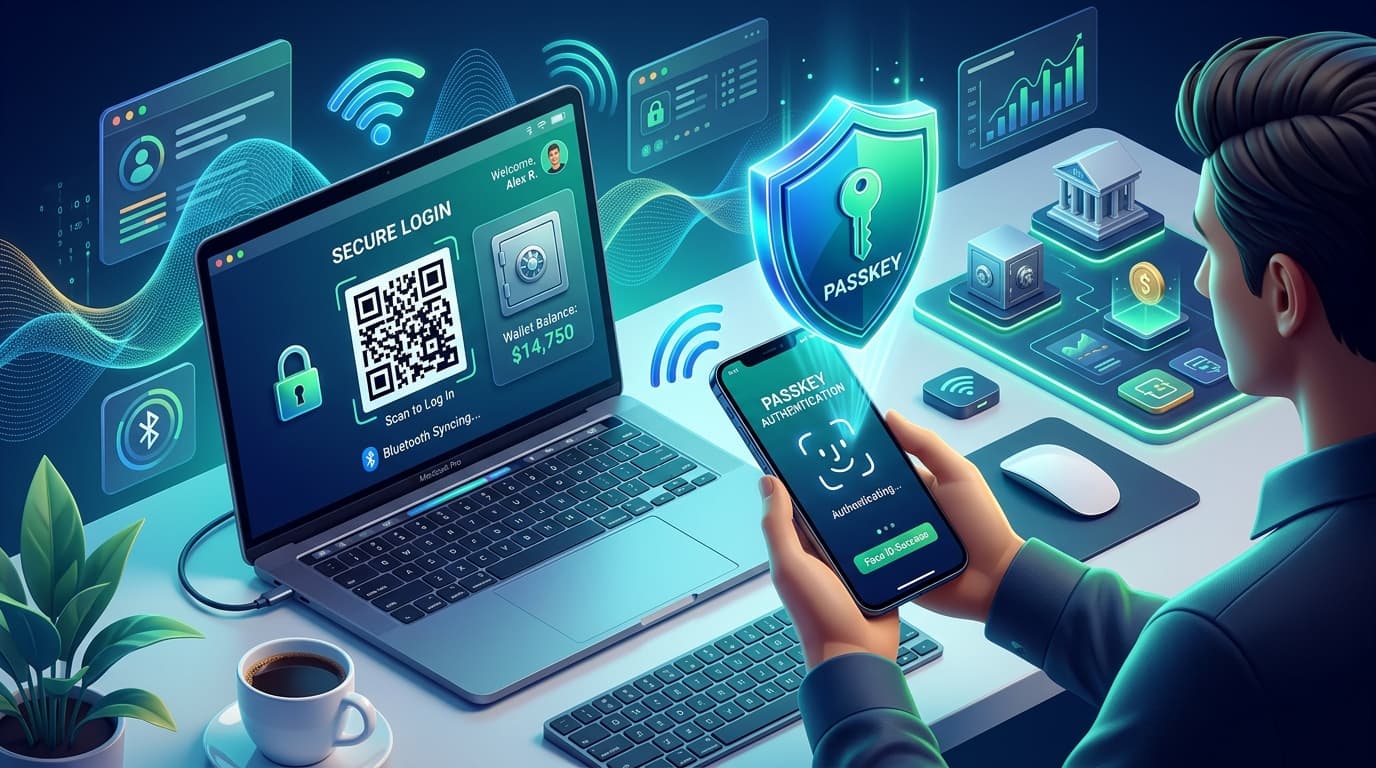
Cross-Device & Cross-Platform: Smartphone as a “Master Key”
“If my Passkey is stored on my iPhone, what happens when I need to log in to my company's Windows laptop?” Passkey solves this elegantly with cross-device authentication.
On the Windows PC, select “Sign in with a Passkey”.
The PC display shows a dedicated, secure QR Code.
Open camera on your iPhone / Android and scan the QR Code.
Biometric prompt on phone ➔ PC logs in instantly!
Behind the scenes, both devices verify physical proximity using Bluetooth Low Energy (BLE). This completely neutralizes remote phishing attacks: an offshore scammer showing a fake QR code cannot log in because their device is physically nowhere near your phone!
Management & Migration: As Simple as Managing Payment Cards
“What happens if I lose my phone or upgrade to a new model?” Passkeys are designed for seamless lifecycle management.
New Phone: Seamless Cloud Sync
Simply sign into the same Apple ID or Google Account. Your passkeys automatically sync through end-to-end encrypted cloud keychains (iCloud Keychain / Google Password Manager), requiring zero manual export or backup.
View & Revoke: Visual Card Management
Under your device Settings ➔ Passwords, passkeys appear as clear visual cards with website names and creation dates. To revoke access, just swipe to delete.
💡 Summary Table: Old Habits vs. New Passkey Experience
| Scenario | Before (Passwords) | Now (Passkey) |
|---|---|---|
| Account Creation | Invent password ➔ Type twice ➔ Satisfy complex rules | Click create ➔ Face ID scan ➔ Complete |
| Daily Login | Recall from memory ➔ Frequent typos ➔ Account lockouts | Select account ➔ Touch / Face ID ➔ Instant login |
| SMS 2FA Verification | Wait for SMS ➔ Copy 6-digit OTP ➔ Paste | Not Needed — Passkey inherently fulfills cryptographic 2FA |
| Forgotten Credentials | Click “Forgot Password” ➔ Reset link ➔ Reconfigure | Nonexistent issue — Your biometrics unlock your device key |
In a Nutshell: 3 Core Takeaways
In the past, logging in was reciting a secret codeword (password). Passkey is like tapping an electronic access badge. You don't need to remember cryptographic tokens—unlocking your phone opens the door.
Absolutely Not! Biometric scans only unlock the private key inside your device's Secure Enclave. Biometric data never leaves your hardware and is never transmitted over the internet.
Past: “Username + Password + SMS OTP” to access.
Now: “Tap Account ➔ Scan Face ➔ You're in!” (Identical to Apple Pay / Google Pay).
Related Insights: Passkey & Identity Authentication
Curated fintech, regulatory guides, and industry insights
The Relationship Between eKYC and Passkey: Who You Are vs. Are You Really You
In-depth analysis of the relationship between eKYC and Passkey. Understand how identity verification and passwordless authentication collaborate to build end-to-end digital identity security.
Farewell to Passwords: What is a Passkey? A Complete Guide to Safer Login
Learn how FIDO2 / WebAuthn standards and biometric authentication create passwordless, anti-phishing login experiences.
Claude Introduces eKYC: Use Cases and Future Trends in AI Identity Verification
In-depth analysis of Anthropic's Claude introducing eKYC identity verification. Explore architectural design, 4 core use cases, and 6 future industry predictions.